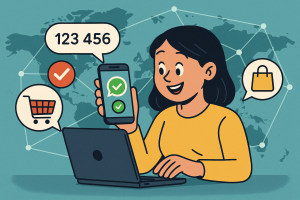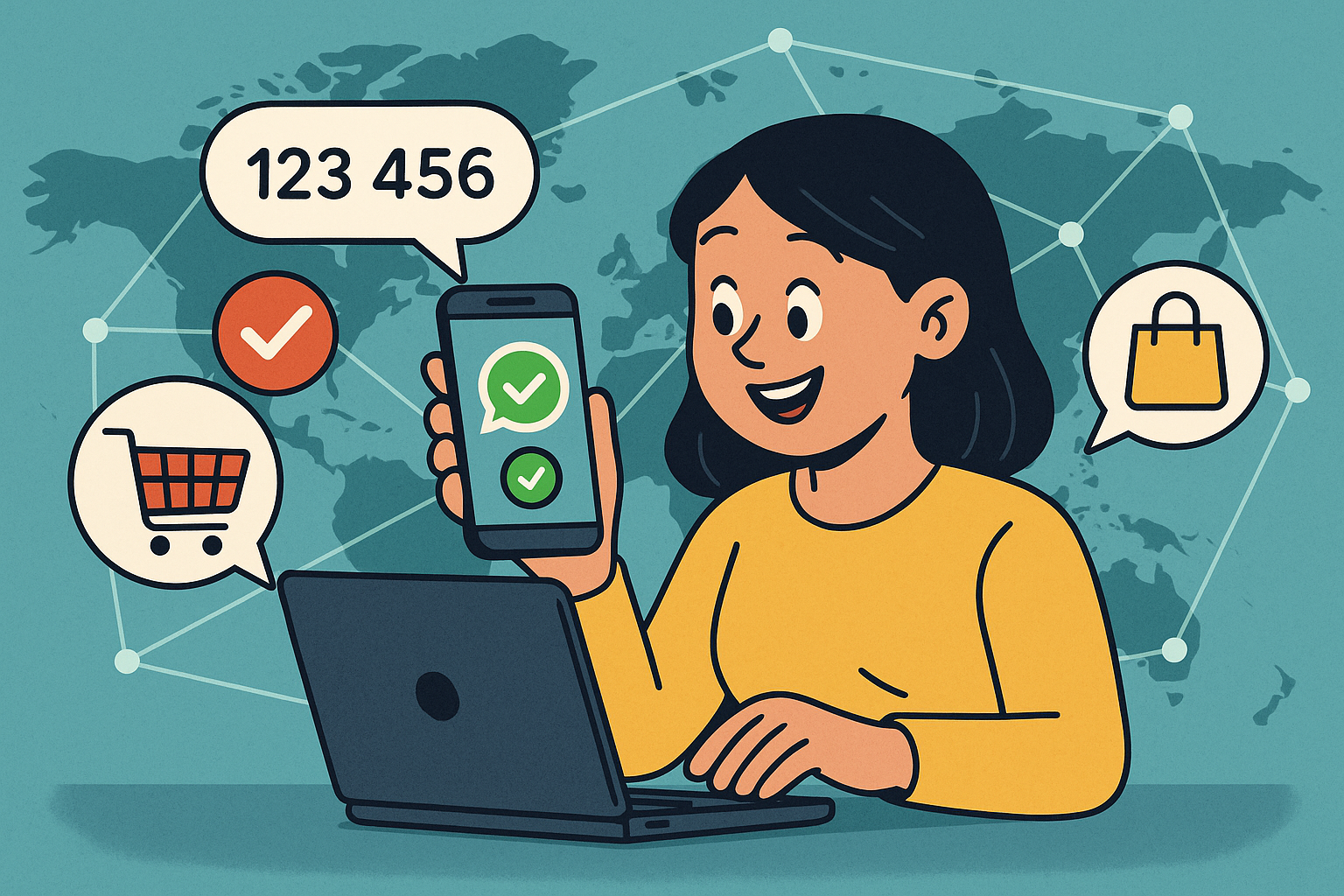
Online shopping offers unmatched convenience, but it also comes with potential risks of fraud and identity theft. As an informed digital consumer, it’s essential to take proactive steps to safeguard your transactions. Here’s a quick walkthrough on how WhatsApp verification can strengthen your everyday online shopping security.
Step 1: Confirm the Seller’s Authenticity
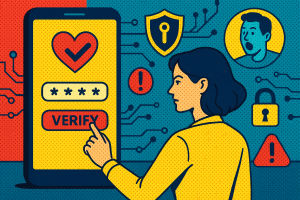
Before making any purchase, always check whether the retailer’s contact number has WhatsApp verification enabled. Verified business accounts display a confirmed badge, assuring that the interaction is genuine and not from a fraudulent source.
Step 2: Enable Two-Step Verification
Set up two-step verification within your WhatsApp settings. This extra level of security protects your account from unauthorized access, especially when you’re sharing personal details or payment confirmations through digital channels.
Step 3: Be Cautious with Payment Links
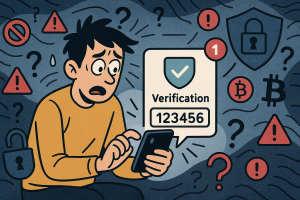
Scammers often use unofficial links to redirect buyers. Only complete transactions through verified WhatsApp business accounts or official store websites. Always double-check before you pay.
Conclusion: Smart shopping is safe shopping. By following these practical steps using WhatsApp verification, you can enjoy the ease of digital commerce without compromising security. Get started today!