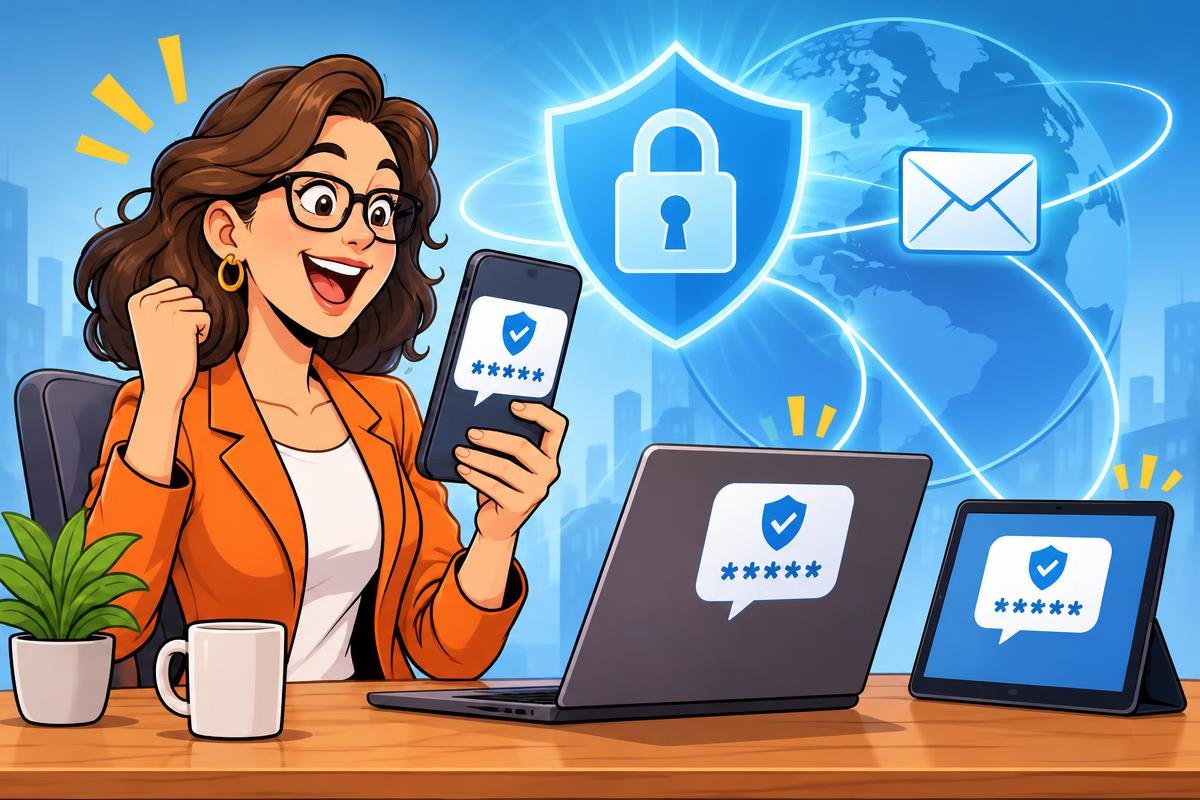
Imagine this: Maya is preparing for a busy week. She wants to join a professional community, create a new social media account for a side project, and participate in an online event. Each platform asks for personal details, including her phone number. At the same time, she is receiving unexpected messages, unfamiliar login alerts, and promotional calls. Maya does not want to abandon the digital world, but she does want greater control over her privacy. This scenario is increasingly common for social media users. The good news is that privacy protection does not have to be complicated. With a few practical habits, reliable tools, and carefully chosen shortcuts, you can stay connected while reducing unnecessary exposure of your personal information.
Why Social Media Privacy Requires a Practical Strategy
Social platforms are designed for connection and convenience. They help people communicate, discover communities, follow trends, build careers, and manage businesses. However, convenience often encourages users to share information quickly without considering how it may be stored, analyzed, or reused.
Your profile may reveal more than your name. A public phone number, email address, location, workplace, birthday, photographs, contact list, and activity history can create a detailed digital profile. Even small details can become sensitive when combined. For example, a public post about a holiday may tell others that your home is empty, while a visible phone number may make it easier for strangers, advertisers, or automated systems to contact you.
Privacy is not about disappearing from the internet. It is about making informed choices. The goal is to decide what you share, where you share it, and who can access it.
Scenario: Maya Creates a Safer Social Media Routine
When Maya first creates her side-project account, she uses the same phone number, password, and profile details that she uses everywhere else. The process is fast, but it creates unnecessary links between her personal life and her public project.
Instead of repeating this pattern, Maya pauses and creates a simple privacy plan. She separates personal and public accounts, reviews the platform’s privacy settings, uses a unique password, and considers whether the service genuinely needs her primary phone number. When a verification step is required, she checks the platform’s policies and chooses a reputable option that supports her intended use, including access to global mobile numbers when appropriate.
This small change gives Maya more control. She can complete legitimate verification requirements without automatically exposing the number she uses for family, banking, and private communication. The lesson is not to avoid verification. Rather, it is to use verification thoughtfully and avoid sharing more information than necessary.
Shortcut One: Audit Your Profile in Five Minutes
A quick profile audit can reveal privacy gaps immediately. Open each social media account and review the following areas:
- Contact information: Check whether your phone number, personal email address, or secondary email is visible to the public.
- Location details: Remove your home address and avoid publishing real-time location information.
- Birthday and personal milestones: Consider hiding your full birth date, since it may be used to guess identity or account-recovery details.
- Work and education: Share only the information that supports your professional or social goals.
- Friends and followers: Review who can see your connections, tagged posts, and follower list.
- Search visibility: Disable options that allow external search engines to index your profile unless public discoverability is essential.
Use the “view as” feature offered by many platforms to see what strangers can access. This is one of the fastest ways to identify information that appears public even when you assumed it was private.
Shortcut Two: Separate Personal and Public Accounts
Many social media users maintain one account for everything: family communication, professional networking, shopping, community participation, and entertainment. While this arrangement is convenient, it also creates a single point of exposure.
Consider separating accounts according to purpose. Your personal account can remain limited to trusted contacts, while a professional or public account can showcase your work without revealing private details. Use different profile photographs, biographies, recovery emails, and visibility settings where practical.
This separation also improves organization. You can share public content confidently while keeping personal conversations and family updates within a more restricted space. Avoid copying the same password across accounts, and do not assume that using different usernames alone provides complete anonymity. Public posts, photographs, writing style, and repeated locations can still connect profiles.
Shortcut Three: Treat Phone Verification as a Privacy Decision
Phone verification can help platforms confirm that an account belongs to a real user, reduce automated abuse, and support account recovery. However, users should understand what happens to the information they provide. Before entering a number, review the service’s privacy policy and account settings.
Ask yourself three practical questions:
- Is the phone number genuinely required? Some services make verification optional or offer an email-based alternative.
- Who can see the number? Check whether it is searchable, displayed on your profile, or used to recommend your account to contacts.
- How will it be used? Look for information about security alerts, marketing, personalization, and data sharing.
For legitimate account verification and testing needs, a trusted provider such as Verify Now can be a useful resource. Services offering global mobile numbers may help users handle verification across different regions without automatically exposing their primary personal number. Always follow the platform’s terms, avoid creating deceptive accounts, and use verification resources only for lawful, authorized purposes.
Shortcut Four: Strengthen Account Security Before You Need It
Privacy and security work together. Even the most carefully configured profile can be compromised if an attacker obtains your password. Start with a unique password for every important account. A password manager can generate and store complex credentials, making this habit easier.
Next, activate multi-factor authentication. An authenticator application is often a strong option because it does not depend entirely on text messages. If you use SMS-based authentication, protect the phone number connected to the account and contact your mobile provider about safeguards against unauthorized number transfers.
Save backup codes in a secure location, update your recovery email, and review active sessions regularly. Most major platforms allow you to sign out of devices that you no longer recognize. Make this review part of a monthly digital housekeeping routine.
Shortcut Five: Control Third-Party App Access
Social platforms often allow external applications to connect to your account. These integrations may support quizzes, games, productivity tools, shopping services, or scheduling applications. Over time, you may authorize many tools and forget about them.
Visit the connected-apps section of each platform and remove access for services you no longer use. Pay particular attention to permissions involving direct messages, contacts, profile information, posting rights, and account management. If an application asks for access that does not match its purpose, treat that request as a warning sign.
A useful rule is simple: grant the minimum access necessary. You can often use an application without allowing it to read your entire contact list or publish content on your behalf.
Resource List for Everyday Social Media Privacy
Keep the following resources available when reviewing your digital habits:
- Platform privacy centers: Use the official help pages for Facebook, Instagram, TikTok, LinkedIn, X, and other services to understand visibility and discovery controls.
- Password managers: Choose a reputable manager to create unique passwords and store them securely.
- Authenticator applications: Use an established authenticator app for stronger multi-factor protection where supported.
- Have I Been Pwned: Check whether an email address has appeared in known data breaches, then change affected passwords immediately.
- Device security updates: Install operating system, browser, and application updates promptly to address known vulnerabilities.
- Permission dashboards: Review app access through your phone’s privacy settings and each social platform’s account controls.
- Privacy-focused browsers: Consider browser settings or extensions that reduce unnecessary tracking and improve cookie management.
- Reputable verification services: When verification is necessary, research the provider’s policies, reliability, supported regions, and permitted uses before proceeding.
How to Recognize Suspicious Verification Requests
Scammers frequently imitate social platforms and send messages claiming that your account will be suspended unless you verify immediately. These messages may include urgent language, unfamiliar links, spelling errors, or requests for passwords and security codes.
Do not click unexpected verification links. Open the platform directly through its official application or website and check your notifications there. Never give a verification code to another person, even if the request appears to come from customer support. A legitimate support representative should not need your one-time code to “restore” your account.
Be cautious when a website promises unlimited accounts, guaranteed access, or ways to bypass platform safeguards. Privacy tools should support responsible digital participation, not deception or abuse.
A Ten-Minute Weekly Privacy Routine
Maya now spends ten minutes each week maintaining her accounts. She checks recent logins, removes unfamiliar followers, reviews public posts, deletes unused connected applications, and confirms that multi-factor authentication remains active. She also searches for her name and public username to understand what an ordinary visitor can find.
You can follow the same routine:
- Review account activity and active sessions.
- Check new followers, friend requests, and direct messages.
- Remove unnecessary profile details.
- Review app permissions and privacy settings.
- Update passwords if you detect suspicious activity.
- Confirm that your recovery options are current.
Small, consistent actions are more effective than waiting for a serious privacy incident. A weekly review also helps you adapt when platforms change their menus, policies, and default settings.
Conclusion: Take Control Without Disconnecting
Social media can enrich your personal and professional life, but responsible participation requires deliberate choices. By auditing your profile, separating public and personal accounts, protecting phone verification details, using strong authentication, limiting third-party access, and keeping a practical resource list, you can reduce unnecessary exposure without giving up the benefits of digital connection. Privacy is an ongoing habit, not a one-time setting. Review your accounts, choose trusted tools, and make every shared detail intentional. Get started today!